Configured on our bench
Your system is set up and tested in Anchorage with your menu or items loaded before install day.

Self-order kiosk
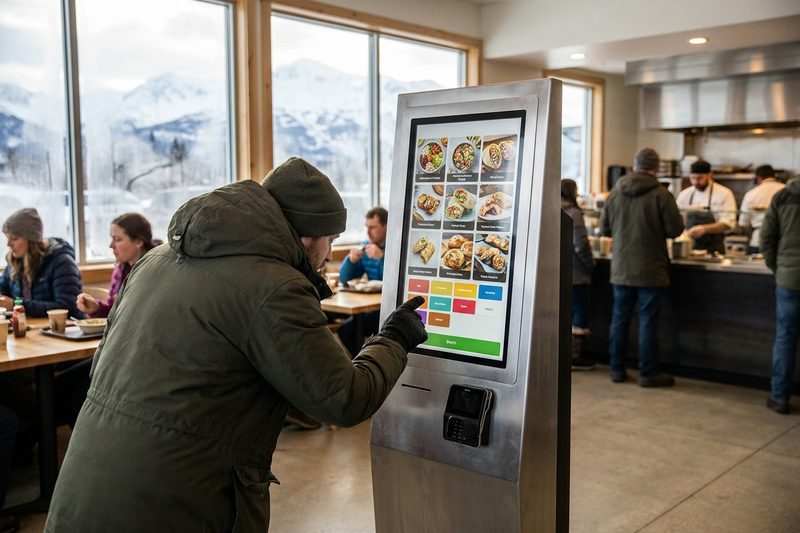
Customers build their own order on the kiosk with every modifier, see the add-on you want to suggest, pay at the terminal, and the ticket goes straight to the kitchen. Same menu and same reports as your register.
Prices are on the pricing page. Rather talk? Text or call (907) 290-8555.
 Orders straight to the kitchen
Shorter lines
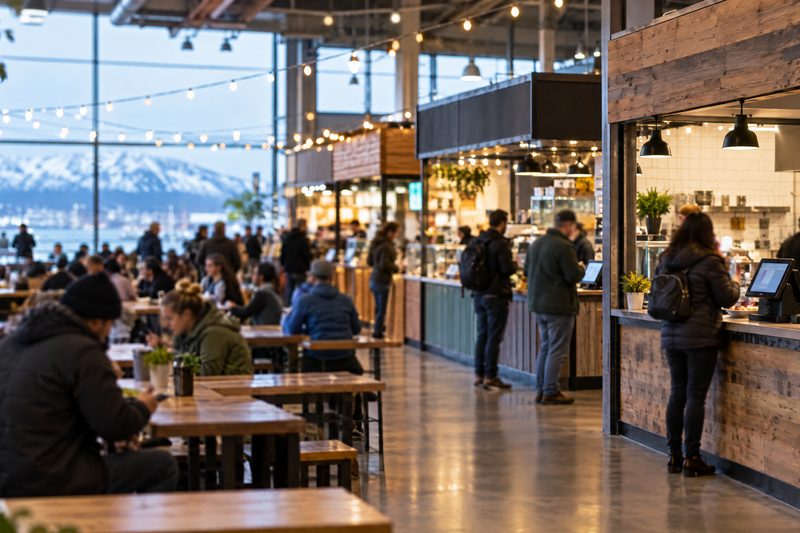
A kiosk takes the routine orders so your staff can make food. Customers take their time with the menu, see the add-on you want to suggest, and pay without waiting for the register.
Step by step
Features
A closer look
Ordering
The full menu with modifiers and add-ons, in more than one language. Nobody feels rushed, and nobody mishears the order.
Kitchen
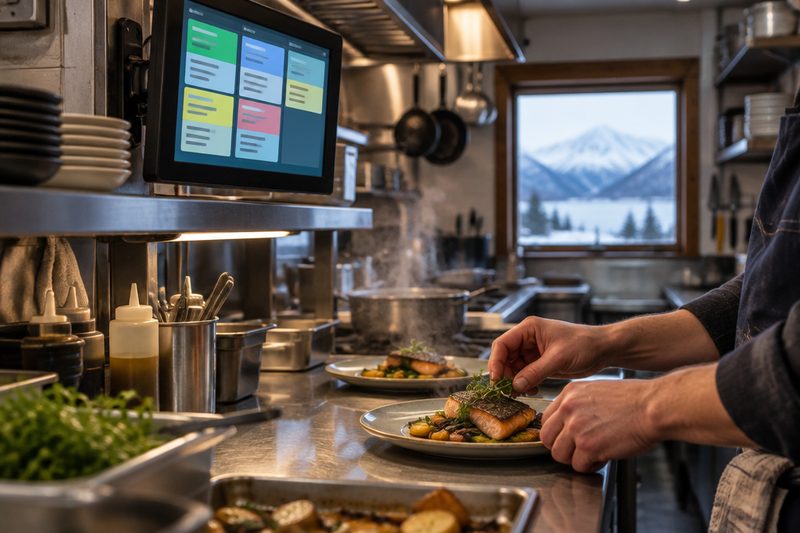
The ticket goes to the kitchen screen or printer the moment the customer pays, with every modifier and note on it.
Beyond restaurants
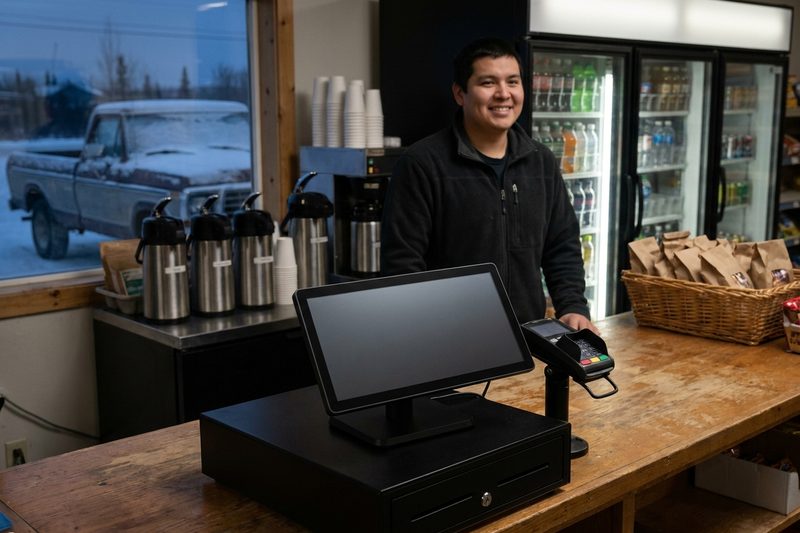
Anywhere customers order the same few things every day, a kiosk keeps the line moving and frees up the counter.
We’ll quote it with the rest of your setup. Call or text (907) 290-8555.
What it costs
| Self-order kiosk | Quoted | Kiosk, terminal and license priced with your setup |
| Install and training | Included | Set up on the same menu as your register |
Prices before tax. Install and training included. Full price list · Build your system
Who uses it
Who sets it up
Your system is set up and tested in Anchorage with your menu or items loaded before install day.
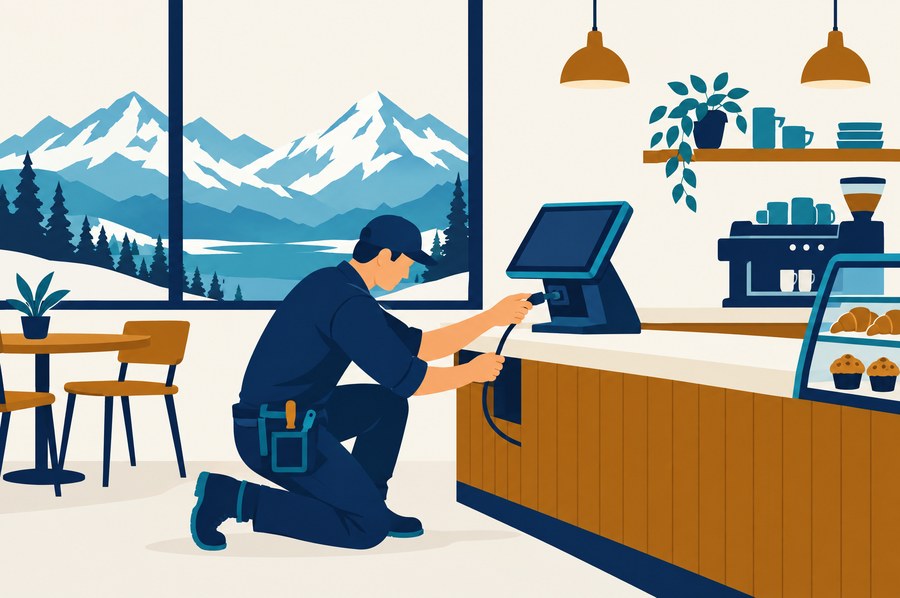
We install it on your counter and train your staff on shift, or ship it ready to plug in with training by phone and remote session.
Remote support from Anchorage, in your time zone, included on every tier. Spares on the shelf.
Straight answers
It takes the routine orders so your counter staff can make food and handle the questions. Most stores keep the register for cash and for anyone who'd rather order from a person.
No. It runs on the same items and modifiers as your register, so you build the menu once in the back office.
Yes. The kiosk supports dual pricing, so customers see both prices before they pay.
It depends on the stand and how many you need, so we quote it with your setup. Call (907) 290-8555 and we'll walk through it.
Most counters start with one and add a second once they see the lunch rush on it. We’ll recommend a number when we see your space.
Yes. The kiosk menu comes from your back office, so you control what shows there.
No. Software is month to month and the hardware is yours. Every price is on the pricing page.
See it run
Tell us how you run the place. We'll call within one business day and show you the system on your kind of business, ringing real orders.
Also see: Kitchen display (KDS), Handhelds & pay at the table, Online ordering & delivery, Inventory & purchasing, Customer-facing displays, Digital signage & menu boards, all features.