Configured on our bench
Your system is set up and tested in Anchorage with your menu or items loaded before install day.

Digital signage · Menu boards
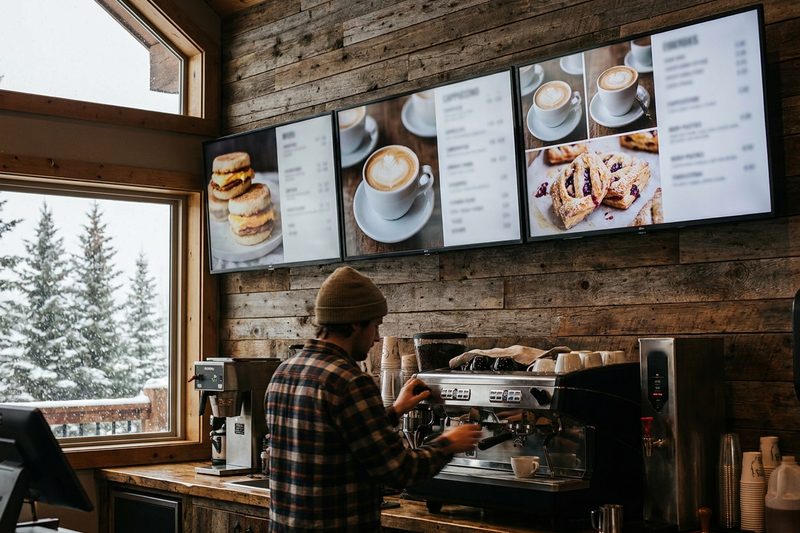
Put your menu, a slideshow and a promo video on the same screen, line up the summer specials before summer, and pull item names and descriptions from your POS so the board matches the register.
Prices are on the pricing page. Rather talk? Text or call (907) 290-8555.
 Run from your back office
Sell from the wall
Digital menu boards run from the same back office as your POS. Change the board without a ladder, line up next month’s promotion today, and keep your branding on every screen.
Step by step
Features
A closer look
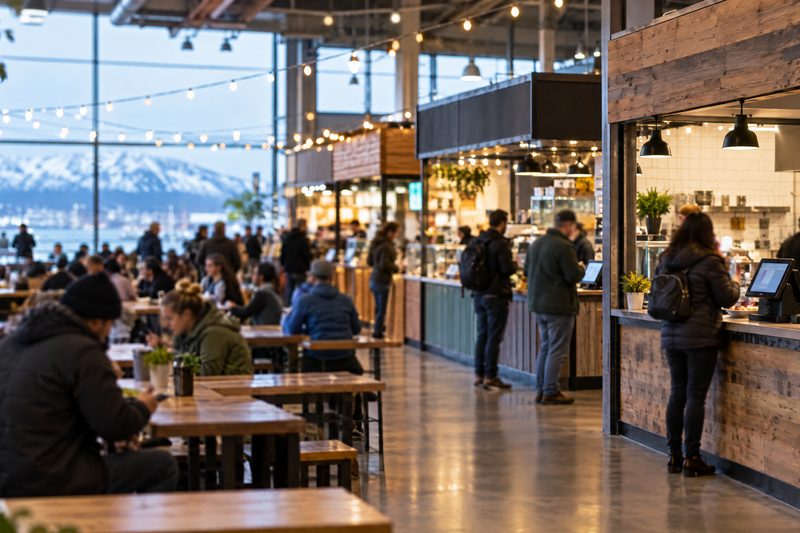
Menus
Item names and descriptions come from your POS back office, so the board and the register say the same thing.
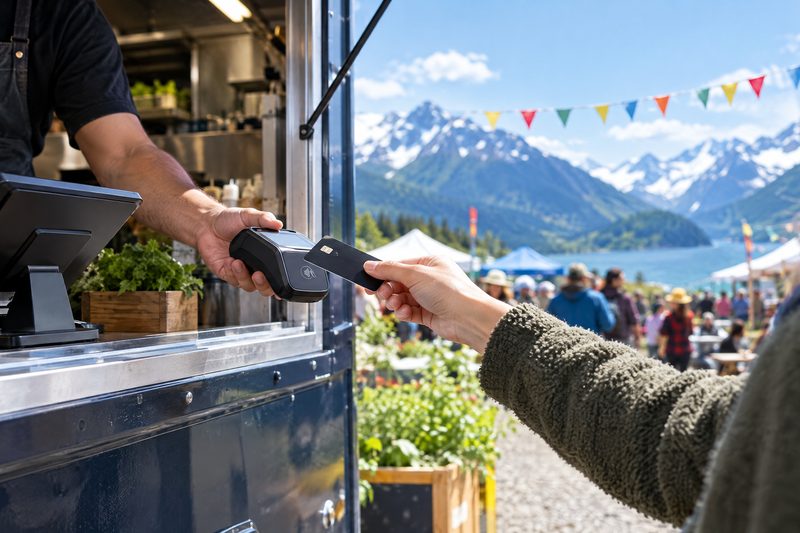
Promotions
Schedule images and promotions weeks out, like a summer menu or a holiday special, and they change on their own.
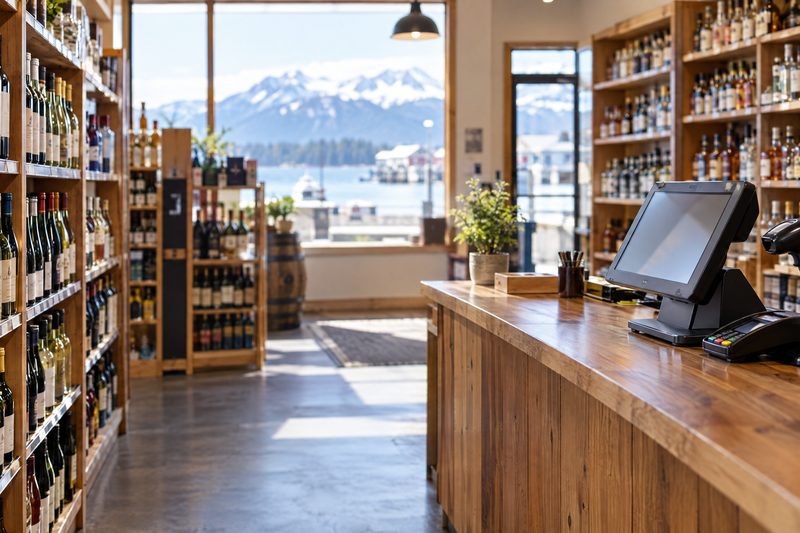
Retail
Shops use screens for new arrivals, weekly specials and seasonal sales, by the register or in the window.
We’ll quote screens and setup with the rest of your system. Call or text (907) 290-8555.
What it costs
| Digital signage | Quoted | Screens, mounting and license priced with your setup |
| Install and training | Included | Set up from the same back office as your POS |
Prices before tax. Install and training included. Full price list · Build your system
Who sets it up
Your system is set up and tested in Anchorage with your menu or items loaded before install day.
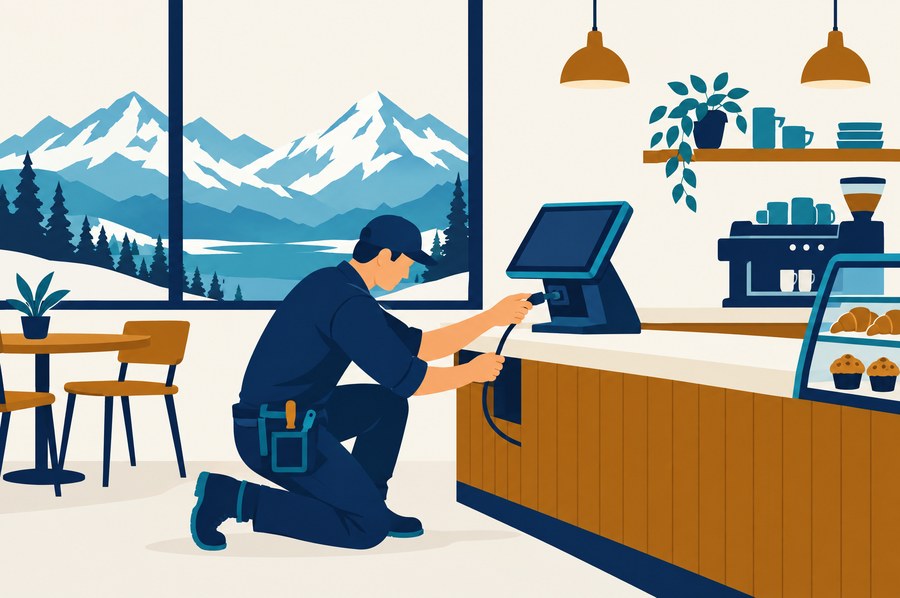
We install it on your counter and train your staff on shift, or ship it ready to plug in with training by phone and remote session.
Remote support from Anchorage, in your time zone, included on every tier. Spares on the shelf.
Straight answers
Item names and descriptions come from your POS back office, so you aren't typing the menu twice.
Yes. Schedule images and promotions ahead, like a summer menu or a holiday special, and they change on their own.
No. Shops use it for promotions, new arrivals and seasonal sales by the register or in the window.
It depends on how many screens you want and how they mount, so we quote it with your setup. Call (907) 290-8555.
Yes. Run one board or a whole wall from the same back office, each with its own layout.
Yes. Each screen can play video, slideshows and menus, side by side in up to three sections.
No. Software is month to month and the hardware is yours. Every price is on the pricing page.
See it run
Tell us how you run the place. We'll call within one business day and show you the system on your kind of business, ringing real orders.
Also see: Kitchen display (KDS), Handhelds & pay at the table, Online ordering & delivery, Inventory & purchasing, Self-order kiosks, Customer-facing displays, all features.