Configured on our bench
Your system is set up and tested in Anchorage with your menu or items loaded before install day.

Kitchen display system
$1,000 each, one-time
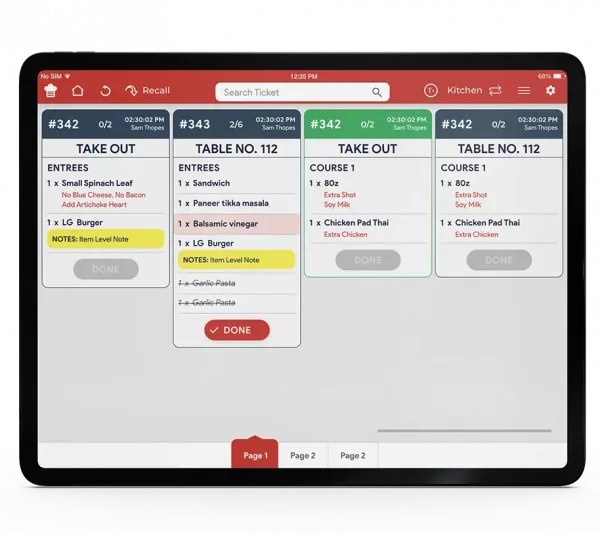
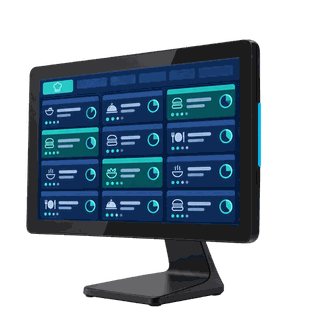
A touchscreen at each station that shows tickets by wait time, with every modifier and note. Runs the Quantic kitchen display app on your network.
Screen size
License included on Core and Growth, or $29 a month per screen on Essentials. Already on Alyeska POS? Call (907) 290-8555 to add a screen.
Order accuracy
A kitchen display replaces the ticket rail with a screen at each station. Every order shows up in the same place, in the same format, with every modifier spelled out.
Step by step
Features
A closer look
Routing
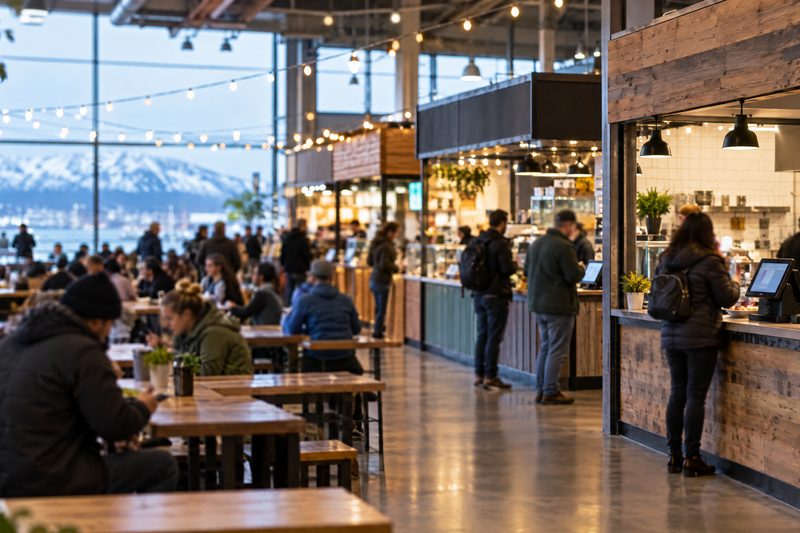
Grill items go to the grill, fryer items to the fryer, drinks to the bar. Your cooks stop reading the whole ticket to find their part of it.
Timing
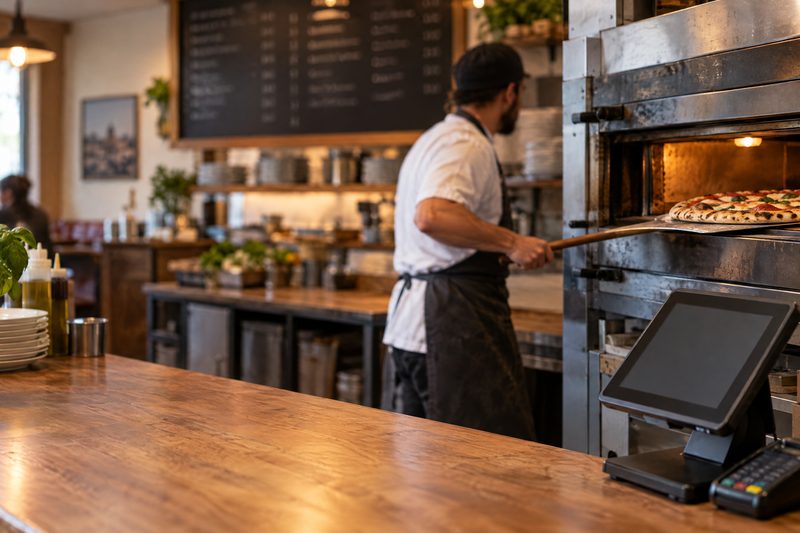
Tickets change color as they wait, with countdown timers on each one. The expo can see which order is late before the guest asks.
Every channel
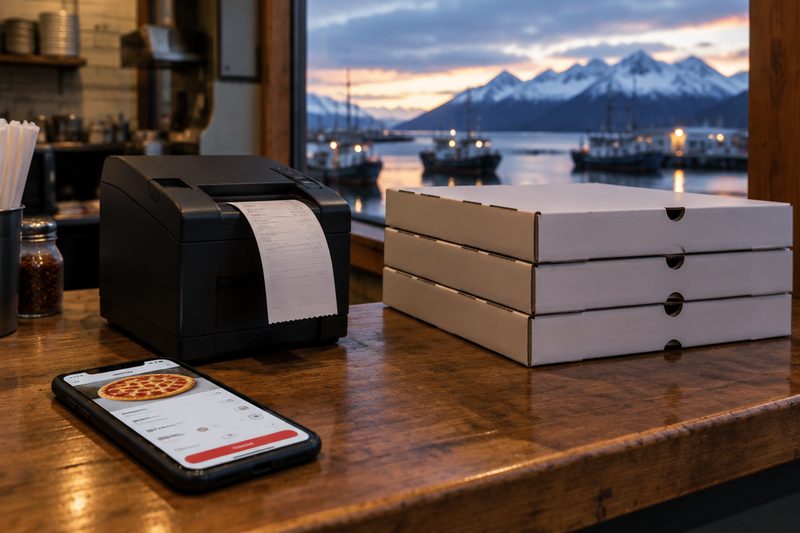
Orders from your own ordering page and, with the delivery integration, the delivery apps show up on the same screen as counter orders. No tablets on the pass.
We’ll look at your kitchen and recommend screens, printers, or both. Call or text (907) 290-8555.
What it costs
| Kitchen display screen, 10.1" / 15.6" / 21.5" Pro Panel | $900 / $1,000 / $1,450 | One-time |
| Bump bar | $270 | One-time, optional |
| Kitchen display license | Included | On Core and Growth |
| Kitchen display license on Essentials | $29 / month | Per screen |
Prices before tax. Install and training included. Full price list · Build your system
Who sets it up
Your system is set up and tested in Anchorage with your menu or items loaded before install day.
We install it on your counter and train your staff on shift, or ship it ready to plug in with training by phone and remote session.
Remote support from Anchorage, in your time zone, included on every tier. Spares on the shelf.
Straight answers
A display shows how long every ticket has waited and lets the line bump orders when they're done. Printers by station are simpler and cheaper. Many kitchens use a display on the line and a printer at the bar; we'll recommend one after we see your kitchen.
Yes. Orders from your own ordering page and, with the delivery integration, the delivery apps, land on the same screen as counter orders.
Yes. Route each station to its own screen, or run one consolidated screen for a small kitchen.
Screens are $900 (10.1"), $1,000 (15.6") or $1,450 (21.5" Pro Panel, wall-mounted), and a bump bar is $270. The license is included on Core and Growth, or $29 a month per screen on Essentials.
No. Tickets look like tickets, and the line taps to bump them. Most kitchens are comfortable by the end of the first shift, and we train on shift at install.
The pin pad keeps taking cards while the internet is down, and we install and monitor your network from Anchorage. Ask us how your kitchen screens are set up for an outage.
No. Software is month to month and the hardware is yours. Every price is on the pricing page.
See it run
Tell us how you run the place. We'll call within one business day and show you the system on your kind of business, ringing real orders.
Also see: Handhelds & pay at the table, Online ordering & delivery, Inventory & purchasing, Self-order kiosks, Customer-facing displays, Digital signage & menu boards, all features.