Configured on our bench
Your system is set up and tested in Anchorage with your menu or items loaded before install day.

Customer-facing display
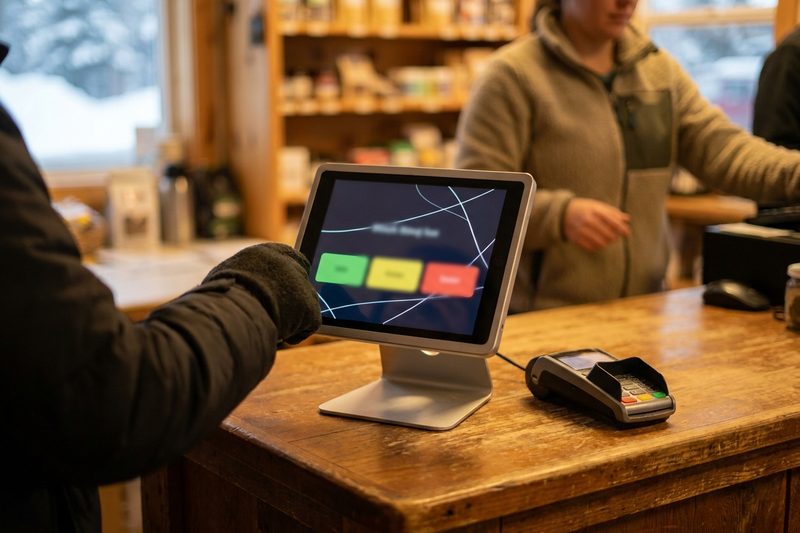
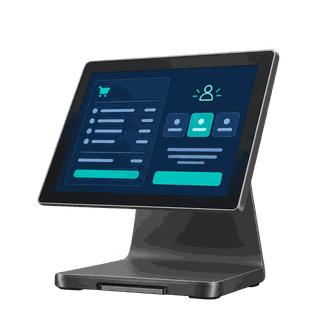
A second screen facing the customer shows every item, modifier and discount as it's added, then the tip buttons, the cash and card prices and the receipt choice. Fewer mistakes, and no awkward tip conversation.
Prices are on the pricing page. Rather talk? Text or call (907) 290-8555.
 Tips without asking
Fewer mistakes, better tips
A screen facing the customer shows each item as it’s rung, then asks for the tip so your staff don’t have to. Wrong sizes get caught at the counter instead of at the window.
Step by step
Features
A closer look

At the counter
Every item, modifier, note and discount appears as the cashier adds it. The customer catches the oat milk that should have been almond.
Tips
Your preset tip amounts on big buttons, or a tip added with a signature. The cashier never has to say a word about it.
Retail
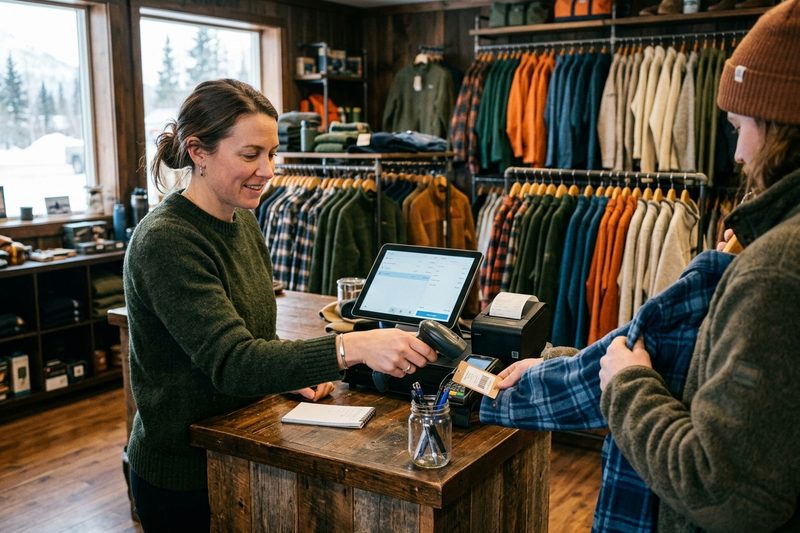
In a store, the display shows each item and price as it scans, so customers trust the total and catch a wrong price before they pay.
$300 and $19 a month, or included in the Retail and Quick service kits. Call or text (907) 290-8555.
What it costs
| Customer-facing display | $300 | One-time, plus $19 / month license |
| Retail and Quick service kits | Included | A display comes in the kit |
Prices before tax. Install and training included. Full price list · Build your system
Who uses it
Who sets it up
Your system is set up and tested in Anchorage with your menu or items loaded before install day.
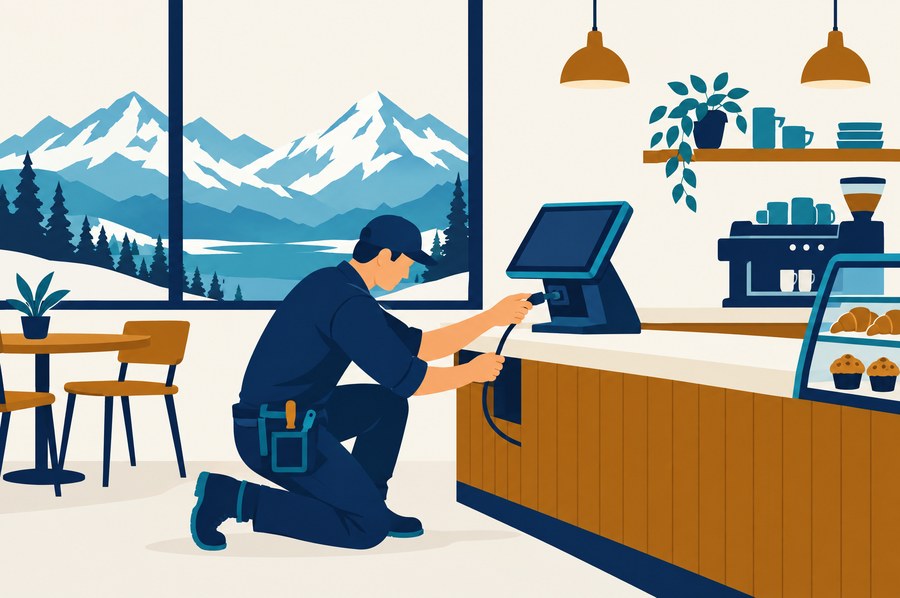
We install it on your counter and train your staff on shift, or ship it ready to plug in with training by phone and remote session.

Remote support from Anchorage, in your time zone, included on every tier. Spares on the shelf.
Straight answers
Yes. The customer sees the size, the modifiers and the notes as they're rung, so a wrong item gets caught before it's made or bagged.
Yes. If you run cash discount, the display shows both prices so the customer can choose before paying.
It's the easiest way to offer a tip without the cashier asking. Our Quick service kit includes one.
$300 for the display plus a $19 monthly license. The Retail and Quick service kits already include one.
Yes. The display shows the cash and card prices so the customer chooses before paying, which is part of setting cash discount up properly.
Yes. Points redeemed and discounts applied show on the display.
No. Software is month to month and the hardware is yours. Every price is on the pricing page.
See it run
Tell us how you run the place. We'll call within one business day and show you the system on your kind of business, ringing real orders.
Also see: Kitchen display (KDS), Handhelds & pay at the table, Online ordering & delivery, Inventory & purchasing, Self-order kiosks, Digital signage & menu boards, all features.