
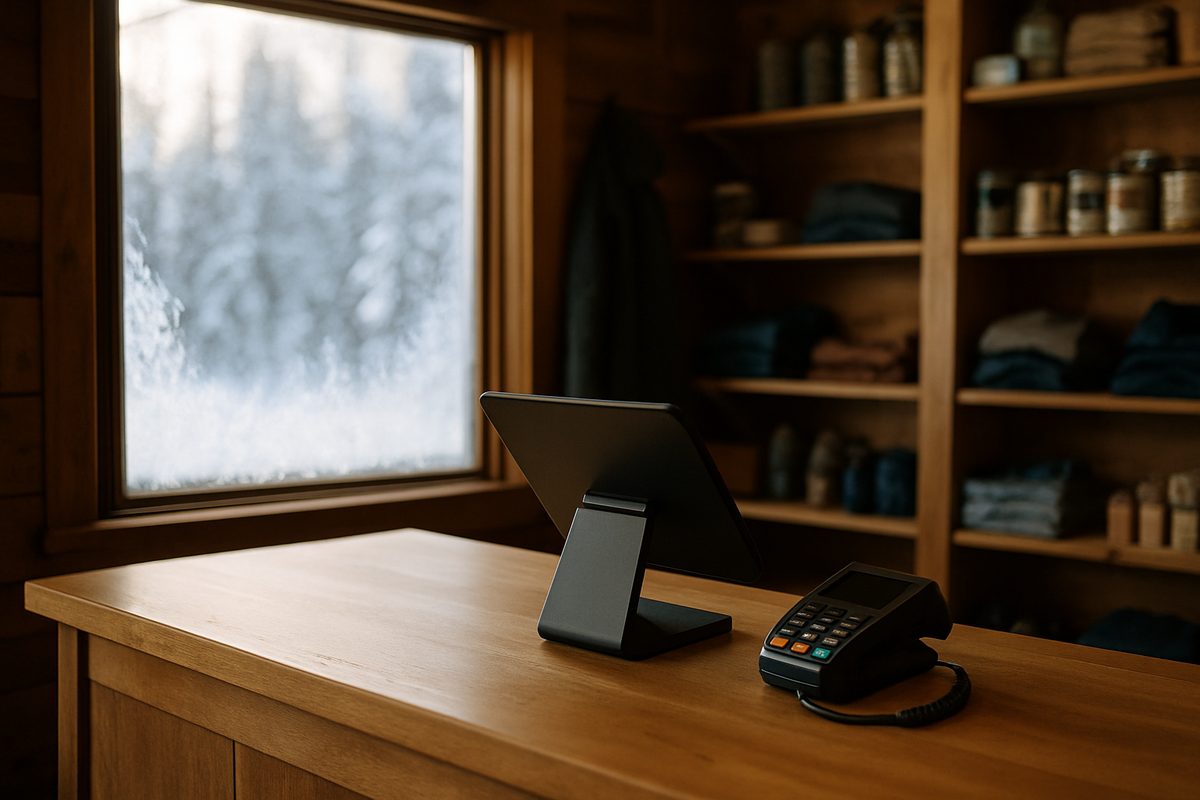
On a busy Friday night in February, your internet goes down. If your point-of-sale system is cloud-only and your support line is in a different time zone, you are on your own until Monday. That scenario is why the choice of a small business POS system matters more in Alaska than it does in most places, and why the questions worth asking are different here.
What a Small Business POS System Actually Is
A point-of-sale system is the combination of hardware and software that handles a transaction at your counter. The hardware typically includes a station with a screen, a pin pad for the customer, a receipt printer, and a cash drawer. Depending on your business, you might add a handheld for tableside orders, a kitchen display, or a customer-facing screen. The software runs on top of that hardware and handles the menu or product catalog, the ticket, the payment, and the reporting.
Modern systems also do more than ring sales. They track inventory, manage employee shifts, run loyalty programs, and send end-of-day reports to your phone. The reporting alone can change how you order and schedule, because you stop guessing and start reading actual numbers.
Payment processing is separate from the software, even though it looks like one thing at the counter. The card networks set the base rates; your processor adds a margin on top. How that margin is structured — flat rate, interchange-plus, or a cash-discount program — determines what you actually pay per transaction.
What Matters in Practice for a POS System for Small Business
Most buying guides focus on features. In Alaska, the practical questions go further than that.
- Where is support? A support team in the Lower 48 may be two or three time zones away. If your dinner rush starts at 6 p.m. Alaska time and something breaks, you need someone available at that hour, not someone who clocked out at 5 p.m. Pacific.
- What happens when the internet drops? A system with local offline capability keeps taking orders and payments even when the connection is gone. That matters everywhere, and it matters especially in communities with less reliable connectivity.
- How does hardware get to you, and what happens when it breaks? Freight to rural Alaska is slow and expensive. If a replacement part has to ship from a warehouse in the continental US, you could be down for days. Spare hardware kept in Anchorage and shipped same-day is a different situation entirely.
- Is there a contract? Some national systems lock you into one- or two-year terms with early-termination fees. Month-to-month software means you are not paying for a system that no longer fits your business.
- What about seasonal businesses? A lodge that closes from October through April should not pay full software fees for six dark months. Some systems have no provision for this; others do.
How It Works on a Real Counter
Setup starts before the hardware arrives. Your menu, product catalog, or item list goes into the system. Tax rates, modifiers, employee PINs, and printer routing are all configured. When the hardware is installed, a technician walks through the workflow with you and your staff until everyone is comfortable. That training session is not optional — it is the difference between a system your team uses confidently and one that collects dust in favor of the old method.
Day to day, the flow is simple. A customer orders or selects items. The ticket builds on screen. The customer pays at the pin pad. The receipt prints or goes to email. The kitchen or bar gets the ticket on their display. At the end of the night, you close out, run a report, and the deposit settles automatically.
The network underneath all of this matters more than most people realize. A managed network — where the router and connection are monitored remotely — means someone notices a problem before you do, and can often fix it before your next customer walks in.
What a Small Business POS System Costs
The cost of a POS system for small business has a few components: hardware, software, and payment processing. Here is how those break down at Alyeska POS.
| Item | Price |
|---|---|
| Countertop kit (install and training included) | $1,800 |
| Handheld kit (install and training included) | $1,000 |
| Bar & Nightlife kit (install and training included) | $2,600 |
| Retail kit (install and training included) | $2,300 |
| Software — entry tier | $99 / month per location |
| Software — mid tier | $199 / month per location |
| Software — full tier | $299 / month per location |
| Hardware care plan | $15 / month (or $150 / year) per location |
All software is month to month. There is no term contract and no early-termination fee.
For payment processing, the standard rate is interchange plus 0.30% plus 10 cents per transaction. If you prefer a cash-discount program, a 3.99% service fee is shown on the customer receipt, and hardware is 50% off. Which approach makes more sense depends on your average ticket and card mix; an accountant can help you model it for your specific numbers.
For businesses that close seasonally, the Winter Freeze option pauses software billing during closed months. You are not paying for software while the doors are locked.
National systems like Square, Clover, and Toast are worth understanding as comparisons. Square is often free to start but charges a flat rate per transaction, and hardware costs can be embedded in the processing rate over time. Clover and Toast typically involve term contracts and may bundle hardware costs into monthly fees. Support for all three is handled remotely from outside Alaska. None of that is automatically wrong — it depends on your volume, your location, and how much you value local support.
The Best POS System for Small Business in Alaska
There is no single right answer, but there are wrong fits. A system with no offline mode is a wrong fit for a community off the road system with satellite internet. A system with a two-year contract is a wrong fit for a seasonal operation that might pivot or close. A system with support hours that end before your dinner rush is a wrong fit for a busy restaurant in Anchorage.
The right fit handles your transaction type — retail, quick service, full service, or bar — runs reliably on your network, has someone available when something goes wrong, and does not cost more than the problem it solves.
We install and support Quantic POS across Alaska, keep spare hardware in Anchorage, monitor every network we install, and answer the phone at (907) 290-8555 during Alaska business hours. Published prices and no contracts are at alyeskapos.com/pricing — take a look and call us if you have questions about your specific setup.
Want a straight answer for your counter?
Prices are on the page, and a person in Anchorage answers the phone. (907) 290-8555.
See pricing Request a call