
Every few months someone in Anchorage, Fairbanks, or somewhere further out types restaurant pos systems list into Google because they are opening a place, replacing something that broke, or just tired of paying for a system that nobody local can fix. This page is written for that person. It covers the main categories of restaurant POS systems, what each one actually does at the counter, and what changes when your business is in Alaska.
What a Restaurant POS System List Actually Covers
A point-of-sale system for a restaurant is the combination of hardware and software that takes orders, routes them to the kitchen, closes tickets, processes payments, and keeps records. The phrase "list" usually means a buyer wants to know what the main options are before committing to one. That is a reasonable place to start.
The broad categories most buyers encounter are:
- Full-service restaurant systems — table management, coursing, server handoff, split checks, bar tabs
- Quick-service and counter systems — fast ticket flow, kitchen display, simple modifiers, high transaction volume
- Bar and nightlife systems — open tabs, fast bar lookup, cash-discount support, ID prompts
- Hybrid setups — a dining room on one side, a bar or retail section on the other
- Mobile and handheld systems — tableside ordering, patio service, food trucks
Most national brands — Toast, Clover, Square and others — cover some or all of these categories. The software differences between them are real but often smaller than buyers expect. What varies more is pricing structure, contract terms, and what happens when something breaks at 6 p.m. on a Friday.
What the Hardware Looks Like on a Real Counter
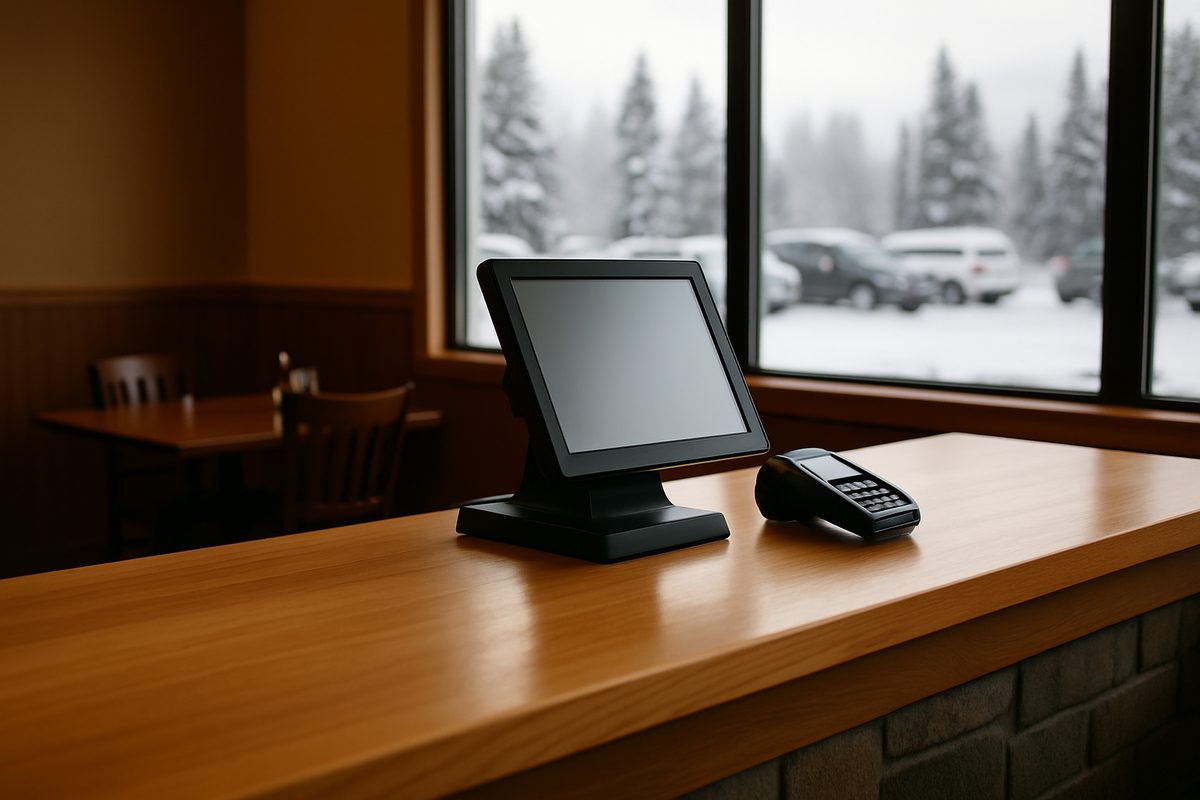
A typical restaurant POS setup has a station on the counter or host stand, a pin pad facing the customer, a receipt printer, and a kitchen printer or display in the back. Larger operations add handhelds for tableside ordering or a second station at the bar.
The station runs the software, shows the menu, and sends orders to the kitchen. The pin pad handles payment without the card leaving the customer's hand. The kitchen printer or display tells the cook what was ordered and in what sequence. None of this is complicated, but it all has to talk to each other reliably — and that means the network underneath it matters as much as the devices on top of it.
In Alaska, freight adds cost and time to hardware. A replacement part that ships overnight to Seattle can take three or four days to reach a community off the road system, and longer in winter. That is not a hypothetical. It is a reason to ask any vendor, before you sign anything, where their nearest spare inventory is and how fast they can get it to you.
Restaurant POS Systems List: The Main Configurations
| Setup | Best for | Key features |
|---|---|---|
| Countertop kit | Quick service, cafes, small full-service | Station, pin pad, receipt printer, kitchen output |
| Handheld kit | Tableside ordering, food trucks, add-on for busy rooms | Mobile device, portable printer or kitchen send |
| Bar and nightlife kit | Bars, taprooms, clubs | Open tabs, fast lookup, cash-discount ready |
| Multi-station | Full-service dining rooms, hotels, high volume | Multiple stations, table map, coursing, manager tools |
At Alyeska POS, the Countertop kit is $1,800, the Handheld kit is $1,000, and the Bar & Nightlife kit is $2,600. Software runs $99, $199, or $299 a month per location, month to month, with no term contract and no early-termination fee. Those prices are published at alyeskapos.com/pricing.
What to Watch for When Comparing Systems
A few things that do not always show up in a vendor's marketing but matter in practice:
Contract terms. Some national brands require a multi-year agreement. If you close for the winter or your volume drops, you may still owe monthly fees. Ask specifically whether there is an early-termination fee and what it is before you sign.
Hardware ownership. With some systems, the hardware cost is bundled into the payment processing rate rather than paid upfront. That can look attractive at first. It also means the vendor controls the hardware and the rate together. With a system where you buy the hardware outright at a published price, you own it.
Processing rates. Most restaurant POS systems connect to card processing. Rates are quoted in different ways — flat rate, interchange-plus, tiered — and the difference over a year of transactions can be significant. We price processing at interchange plus 0.30% plus 10 cents per transaction, or a cash-discount program where a 3.99% service fee is shown on the customer's receipt and hardware is 50% off. Check with your accountant about how cash-discount programs work in your state before choosing that option.
Support hours and time zone. Alaska is four hours behind the East Coast in summer, three in winter. A support line that closes at 5 p.m. Eastern is closed before your dinner rush starts. We support customers in Alaska time, and network monitoring runs around the clock.
Seasonal operations. A lot of Alaska restaurants close for part of the year. Our Winter Freeze feature lets you pause your software subscription during closed months so you are not paying for a system sitting dark.
Spare hardware. We keep spare inventory in Anchorage. If a device fails, we can advance-replace it without waiting for freight from the Lower 48. Hardware care is $15 a month or $150 a year per location and covers every device in the kit.
How to Narrow the List for Your Situation
The best pos system for a restaurant in Alaska is the one that fits your operation and has support you can actually reach when something goes wrong. A quick-service counter in Wasilla has different needs than a full-service dining room in Juneau or a seasonal fish camp outside the road system. The software category matters less than most vendors suggest. The support model and the contract terms matter more.
Questions worth asking any vendor on your list:
- Is there a term contract or early-termination fee?
- Do I own the hardware outright?
- Where is your nearest spare inventory?
- What are your support hours in Alaska time?
- Can I pause my subscription if I close for the winter?
- Is the network monitored, or am I responsible for my own router?
If you want to see our specific configurations and pricing, the full breakdown is at alyeskapos.com/pricing. If you would rather talk through what your counter needs, call us at (907) 290-8555 — we are in Anchorage, in your time zone.
Want a straight answer for your counter?
Prices are on the page, and a person in Anchorage answers the phone. (907) 290-8555.
See pricing Request a call