
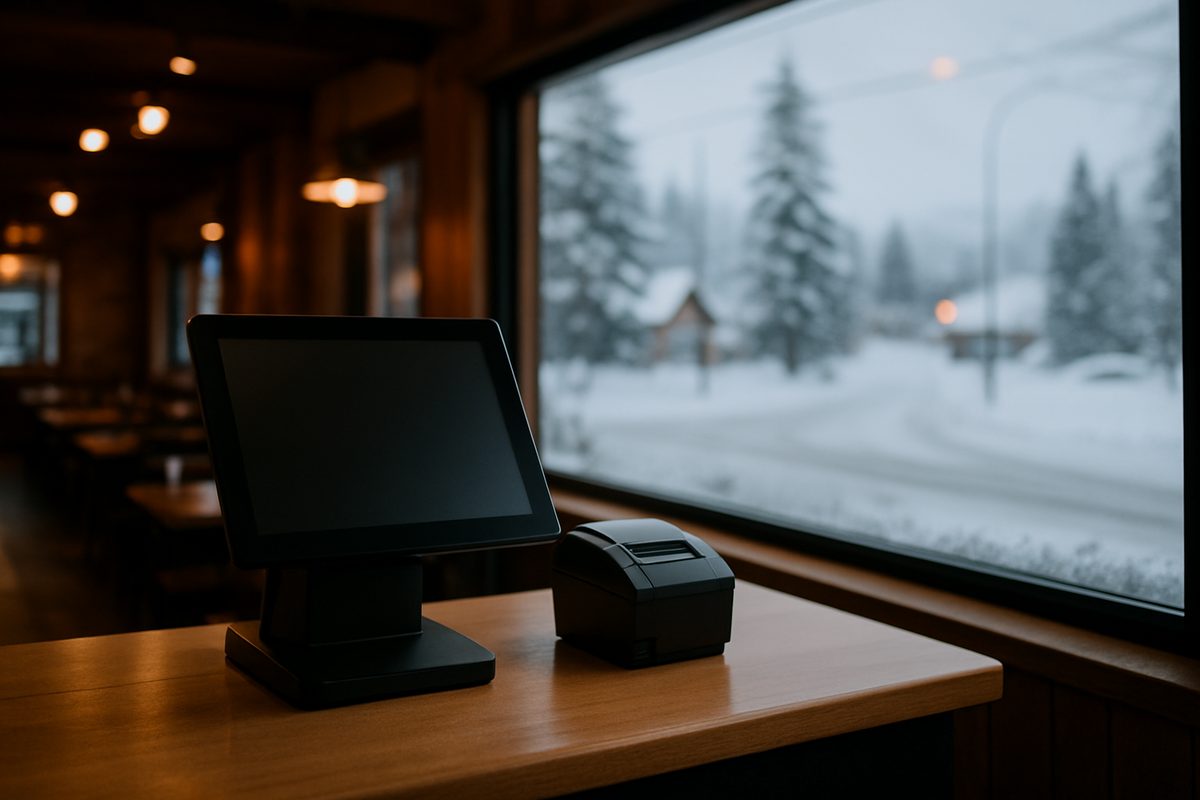
On a Friday night in February, your internet goes down mid-service. Tickets stop printing. Your server is standing at the counter with a table of eight waiting. What happens next depends almost entirely on which POS system you bought and who supports it. That scenario is why the question of POS systems for restaurants deserves more than a quick Google comparison chart.
This page is for Alaska owners and managers doing their own research. We will explain what a restaurant POS actually is, what matters in day-to-day use, how pricing works, and what is different about buying one up here versus anywhere else in the country.
What a Restaurant POS System Actually Does
A point-of-sale system is the combination of hardware and software that takes an order, routes it to the kitchen or bar, tracks what was sold, and closes the transaction. On a real counter that means a touchscreen station, a cash drawer, a receipt printer, a kitchen display or ticket printer in the back, and a pin pad for cards. On a busy floor it might also mean handhelds for tableside ordering.
The software layer handles your menu, modifiers, voids, comps, discounts, splits, and end-of-day reports. A cloud-based system stores that data off-site so you can pull sales reports from your phone at midnight. Most modern systems, including the ones we install, work this way. The term cloud POS systems for restaurants just means the database lives on a remote server rather than a box under your counter. The practical upside is that a hardware failure does not erase your data. The practical requirement is a reliable internet connection, which is why we put a managed network on every install we do.
What to Compare When You Are Looking at Systems
The features list on any vendor's website will look similar. The differences show up in four places.
- Support hours and time zone. A support line staffed on Eastern time closes at 8 p.m. Alaska time. If your dinner rush runs until 11, that gap matters. We are in Anchorage. When you call (907) 290-8555, someone answers in your time zone.
- Contract terms. Some national systems require a multi-year agreement. Toast, Clover, and Square are widely used and each has its own contract structure and support model. Read the terms before you sign. We run month to month with no early-termination fee.
- How hardware is priced. Some vendors subsidize hardware through the payment rate, which means you pay for it whether you realize it or not. We publish hardware prices separately so you know exactly what you are buying.
- What happens when something breaks. If a part fails and the nearest replacement is in Seattle, you are looking at freight time plus Alaska shipping delays. We keep spare hardware in Anchorage.
For a full-service dining room, the questions around table management, coursing, and server checkout matter more than they do for a quick-service counter. The phrase best POS system for full service restaurants gets searched a lot, but the honest answer is that the best system is the one that fits your floor plan, your staff's learning curve, and your support situation. Features are table stakes. Reliability and support are the differentiators.
How It Works on a Real Counter
A typical install for a restaurant in Alaska looks like this. We ship hardware to your location, or you pick it up in Anchorage. We configure the software with your menu before we arrive. On install day we mount the station, run the network, connect the kitchen printer, and walk your staff through the workflow. Training is included. You are not handed a manual and left alone.
The station sits on your counter. Your servers enter orders on the touchscreen or on a handheld. The kitchen gets a printed ticket or a display. When the guest is ready to pay, they tap or insert their card at the pin pad. The transaction goes to the card networks and settles overnight. You see a deposit in your bank account, typically the next business day.
If you want tableside ordering, a handheld kit adds that capability. If you run a bar alongside the dining room, a bar kit handles tabs and fast transactions differently than a full table-service setup. The software is the same; the hardware configuration changes.
Alaska-Specific Things Worth Knowing
Distance and weather shape how this works up here in ways that do not come up in national buying guides.
If you are off the road system, freight cost and lead time for replacement hardware are real considerations. A broken station in Bethel or Kodiak is not the same problem as a broken station in Anchorage. We factor that into how we stock spares and how we handle advance-replacement swaps under our hardware care plan.
Seasonal businesses have a specific problem with software subscriptions. Paying full price for software during the four months your dining room is closed is money wasted. Our Winter Freeze option pauses your software billing for closed months. You do not pay for what you are not using.
Power and connectivity are less reliable in rural Alaska than the lower 48 vendors assume. A managed network on every install means we are monitoring your connection and can often catch a problem before you do. Offline mode keeps your system taking orders even when the connection drops, syncing when it comes back.
What It Costs
Hardware and software are priced separately here. The table below shows the current published figures.
| Item | Price |
|---|---|
| Countertop kit | $1,800 |
| Handheld kit | $1,000 |
| Bar & Nightlife kit | $2,600 |
| Software (per location, month to month) | $99 / $199 / $299 per month |
| Hardware care plan | $15 per month or $150 per year per location |
Payment processing runs at interchange plus 0.30% plus 10 cents per transaction, or a cash-discount program where a 3.99% service fee is shown on the receipt and hardware is 50% off. Check with your accountant and the card brands on how cash-discount programs apply to your situation, since rules can vary.
Install and training are included. There is no term contract and no early-termination fee.
If you are ready to look at the full numbers or want to talk through which configuration fits your restaurant, the pricing page has everything laid out, or call us at (907) 290-8555 and we can walk through it with you.
Want a straight answer for your counter?
Prices are on the page, and a person in Anchorage answers the phone. (907) 290-8555.
See pricing Request a call