
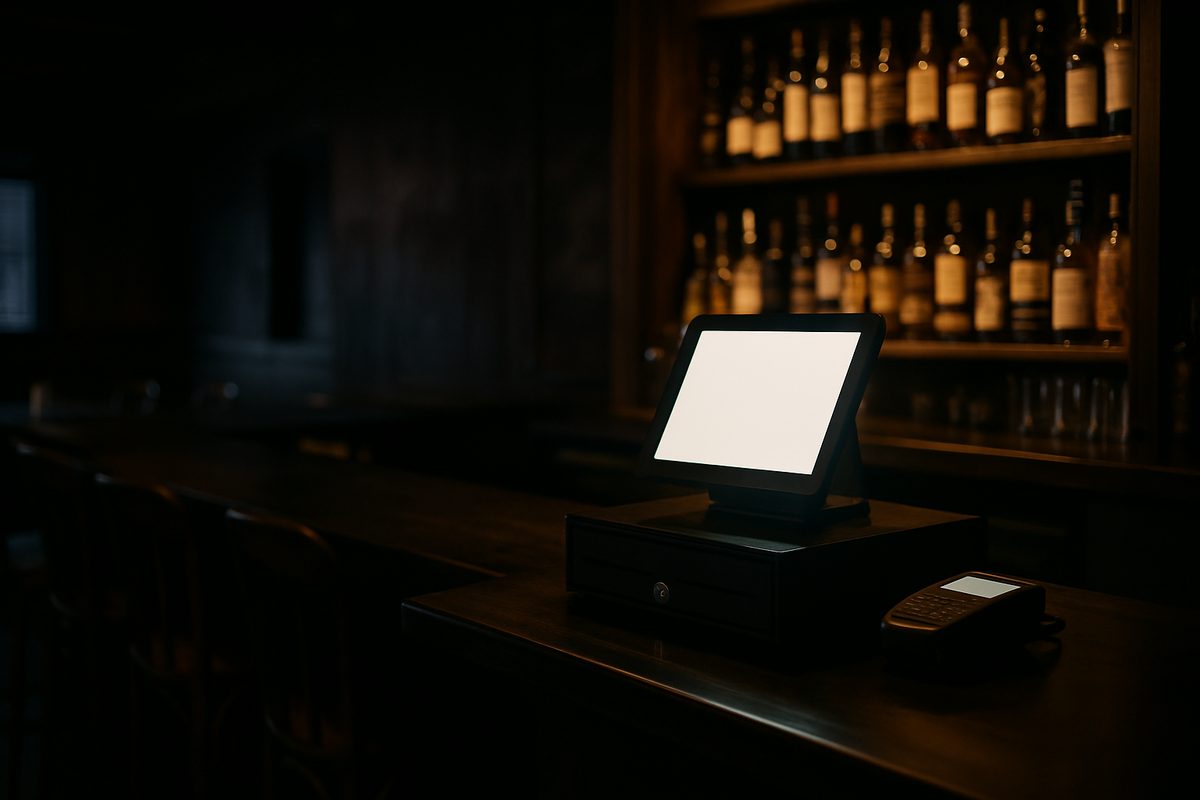
On a Friday night in January, your bartender is three deep, the tap list is running, and the POS screen freezes. That is not the moment to learn your support line closes at 5 p.m. Pacific. Choosing a POS system for your bar is mostly about what happens when something goes wrong — and in Alaska, that question has a different answer than it does in the Lower 48.
This page covers what a bar POS actually does, what to look for before you buy, and how the numbers work out in practice.
What a Bar POS System Does at the Counter
A point-of-sale system for a bar is the station where drinks are ordered, tabs are opened, and payments are taken. At its simplest it is a touchscreen, a cash drawer, and a card reader. In practice, a bar-specific setup does a few things a generic retail system does not.
- Open tabs. A customer hands over a card, you swipe it to open a tab, and you close it at the end of the night. The system holds the authorization and lets your staff add rounds without running the card each time.
- Quick-service layout. Buttons are large, grouped by category, and fast to navigate. A bartender should be able to ring a drink in two or three taps.
- Bar-specific modifiers. Well, call, top-shelf, rocks, neat — modifiers let one button cover a whole category without a separate item for every variation.
- Tip adjustment. Customers add a tip when they close out. The system records the adjusted total and keeps a tip report for your bartenders.
- Split payments. A table of four splitting a tab four ways is routine. The system handles it without a workaround.
- Inventory tracking. Higher-tier software tracks pours against purchases, which helps you spot waste or shrinkage over time.
None of that is exotic. What varies is how well the software is set up for your specific bar, and what happens when the hardware or network has a problem at 10 p.m. on a Saturday.
What Matters More in Alaska Than Anywhere Else
A bar owner in Fairbanks, Kodiak, or Bethel is not in the same situation as one in Seattle. A few things change the calculation significantly.
Time zone and support hours. Most national POS companies are headquartered on the East or West Coast. Their published support hours often end before your bar hits its busiest hour. Alaska Standard Time runs an hour behind Pacific. If support closes at 5 p.m. Pacific, it is 4 p.m. in Anchorage and 3 p.m. in Nome. We staff support in Alaska time, which means we are reachable when your bar is actually open.
Hardware replacement. If a station fails and you are in a community off the road system, two-day shipping from the Lower 48 is not two days — it is longer, and it costs more. We keep spare hardware in Anchorage specifically so we can get a replacement moving the same day without waiting on a mainland warehouse. Our hardware care plan, at $15 a month per location, covers every device in the kit and includes advance-replacement swaps.
Seasonal operations. Some Alaska bars are open year-round. Others — a lodge bar, a tourism-season operation, a seasonal restaurant with a bar program — close for months at a time. Our Winter Freeze option lets you pause your software subscription during those closed months so you are not paying for a system sitting dark.
Network reliability. Every install we do includes a managed network. We monitor it remotely and can often catch a problem before you call us. In a bar, a network outage during service is a serious problem. Having someone watching the connection is worth more than it sounds.
How the Costs Actually Work Out
There are two sides to the cost of a POS system for a bar: the hardware you buy up front and the software and processing you pay ongoing.
Our Bar and Nightlife kit is $2,600. That covers the station, the pin pad, and what you need to run a bar counter. Install and training are included in the price. There are no term contracts and no early-termination fees — month to month on the software from day one.
Software runs $99, $199, or $299 a month per location depending on the tier. The higher tiers add features like inventory tracking, advanced reporting, and additional integrations. Most bar owners land in the middle tier.
On processing, you have two options:
| Option | How it works | Hardware pricing |
|---|---|---|
| Interchange plus | Interchange rate set by the card networks, plus 0.30% and 10 cents per transaction | Full price |
| Cash discount | A 3.99% service fee is shown on the receipt for card payments; cash customers pay the base price | 50% off hardware |
The cash-discount program is worth looking at if your bar does a high volume of card transactions. Check with your accountant and review the card brand rules before deciding — the requirements for disclosing a cash discount vary and you want to do it correctly.
How It Compares to the National Options
Toast, Clover, Square, and others are real products used in real bars. They are worth considering. A few honest differences worth knowing:
Most national brands require a term contract or recover hardware costs through the processing rate, which means your effective cost depends on your volume and how long you stay. Support is typically handled from a national call center, not from someone in your time zone who knows Alaska freight timelines. If you need a replacement part, it ships from wherever their warehouse is.
That is not a reason to dismiss them. If you are in Anchorage and comfortable managing your own network, a national brand may work fine. The question is what your tolerance is for downtime and how much the time-zone gap matters on a busy night.
For bars that have gone through a significant renovation or relaunch — what some people call a bar rescue situation — getting the POS right from the start matters more than it does in a stable operation. A system that is misconfigured or unsupported is a recurring problem, not a one-time one.
What a Real Install Looks Like
When we install a bar system, we come to your location, mount the hardware, configure the menu, set up your modifiers and tab flow, connect the managed network, and train your staff before we leave. That is included in the price. We do not hand you a box and a setup guide.
After the install, remote support and network monitoring are included in the software subscription. If something goes wrong at 11 p.m. on a Saturday, you call (907) 290-8555 and reach someone who can help.
If you want to see the full pricing breakdown before you call, it is all published at alyeskapos.com/pricing — no quote form required, no sales call to get the numbers.
Want a straight answer for your counter?
Prices are on the page, and a person in Anchorage answers the phone. (907) 290-8555.
See pricing Request a call