
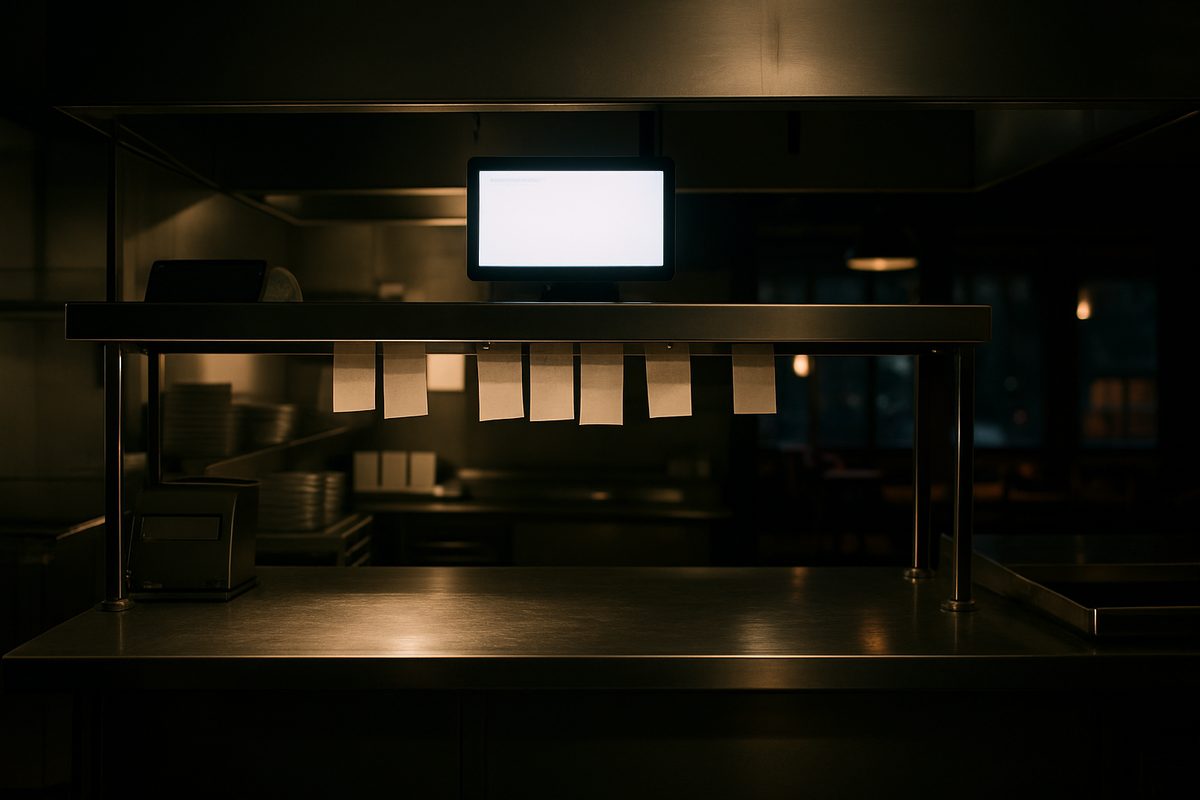
On a busy Friday night in February, your printer jams. Tickets pile up. Someone re-fires a table that already left. A kitchen display system exists to remove that printer from the equation entirely. If you searched for companies that make kitchen display systems (KDS), you are probably trying to figure out who builds them, what separates one from another, and whether the investment makes sense for your place. This page answers those questions without the sales pitch.
What a Kitchen Display System Actually Does
A KDS is a screen mounted in your kitchen — or at a bar, an expo station, or a drive-through window — that receives orders the moment a server rings them in or a customer places them online. Instead of a paper ticket curling under a heat lamp, the cook sees a timed tile on a screen. When the dish is ready, they bump it. The system records how long each ticket took. That data shows up in your reports later.
Most systems let you route by station. Appetizers go to the cold-prep screen. Burgers go to the grill screen. The expo screen sees the whole table. Nothing gets lost in transit between stations because there is no transit — the order appears everywhere it needs to be at the same moment.
A few things that matter in practice:
- Screen brightness. A kitchen runs hot and bright. A screen that looks fine in a showroom can wash out under commercial lighting or steam.
- Durability. Grease, heat, and the occasional splash are normal. The enclosure matters as much as the display itself.
- Network dependency. Most modern KDS units talk to the POS over your local network. If the network goes down, orders stop routing. This is not a minor point in Alaska.
- Integration. A KDS that does not talk cleanly to your POS is just an expensive screen. The software connection is the whole product.
Companies That Make Kitchen Display Systems: The Landscape
There are a handful of ways to get a KDS. Some companies build the hardware and the software together. Others build only the software and run it on third-party screens. A few national POS platforms — Toast, Clover, and Square among them — bundle a KDS option into their ecosystem, which means the display works well inside that system but may not work at all outside it. Their hardware is often paid for through the processing rate rather than a transparent upfront price, and most require a term contract.
Standalone KDS software vendors sell a subscription that runs on commercial screens or tablets. The advantage is flexibility. The risk is that you are managing two vendor relationships — one for the POS, one for the display — and when something breaks, each side points at the other.
The cleanest path for most independent restaurants is a POS platform that includes KDS as a native feature, so the screen, the software, and the support all come from one place.
How It Works on a Real Counter
Here is a typical setup. The station at the host stand or server station takes the order. That order travels over your local network to the KDS screen in the kitchen. The screen shows the table number, the seat, the items, any modifiers, and a running clock. When the line cook finishes the plate, they tap the item or bump the ticket. The expo screen updates. If a ticket sits too long, the tile changes color — a visual cue that something needs attention without anyone shouting across the kitchen.
Online orders from a third-party delivery app, if your POS integrates with it, appear on the same screen. The kitchen does not need to know or care where the order originated. It just sees the ticket.
At the end of service, your manager pulls a ticket-time report. You can see which station is the bottleneck, which server's tables consistently take longer, and what your average ticket time was on a Saturday versus a Tuesday. That information is hard to get from a printer roll.
What Changes in an Alaska Kitchen
Distance changes the math on everything. If a screen fails in a restaurant in Seattle, a replacement arrives next day. In Kodiak, Bethel, or Nome, freight takes longer and costs more. A spare sitting in Anchorage is worth something real. We keep spare hardware in Anchorage and ship it to customers across the state when something needs to be swapped.
Network reliability is the other Alaska-specific issue. A KDS runs over your local network. If that network is unstable — and in rural Alaska, internet connections can be — orders may not route correctly. Every install we do includes a managed network, which means we monitor your connection and your local equipment remotely. If something goes wrong at 6 p.m. on a Saturday, we see it and respond. You are not calling a national support line and waiting on hold while your kitchen goes dark.
Seasonal operations are common here too. A lodge outside Talkeetna that closes from November through March should not pay full software fees through the winter. Our Winter Freeze option pauses your software subscription during closed months. You pay when you are open.
What Alyeska POS Offers
We sell and support the Quantic platform, which includes kitchen display as a native feature — not an add-on from a separate vendor. The hardware is priced openly. The software runs month to month with no term and no early-termination fee. Install and training are included.
| Kit | Hardware Price | Software (per location/month) |
|---|---|---|
| Countertop | $1,800 | $99 / $199 / $299 |
| Handheld | $1,000 | $99 / $199 / $299 |
| Bar & Nightlife | $2,600 | $99 / $199 / $299 |
| Retail | $2,300 | $99 / $199 / $299 |
Processing runs at interchange plus 0.30% plus 10 cents per transaction. If you prefer a cash-discount program, the service fee is 3.99% and appears on the receipt as a separate line — check with the card brands and your accountant on compliance in your situation. Hardware care is $15 a month or $150 a year per location, covering every device in the kit with advance-replacement swaps when something fails.
Remote support and network monitoring are included. If you are in Fairbanks or on the Kenai or in a community off the road system, you are in the same time zone as us and you reach the same people who installed your system.
See the full breakdown at alyeskapos.com/pricing, or call us at (907) 290-8555 to talk through what your kitchen actually needs.
Want a straight answer for your counter?
Prices are on the page, and a person in Anchorage answers the phone. (907) 290-8555.
See pricing Request a call